
FullScreen Background Image & Video – WP Plugin
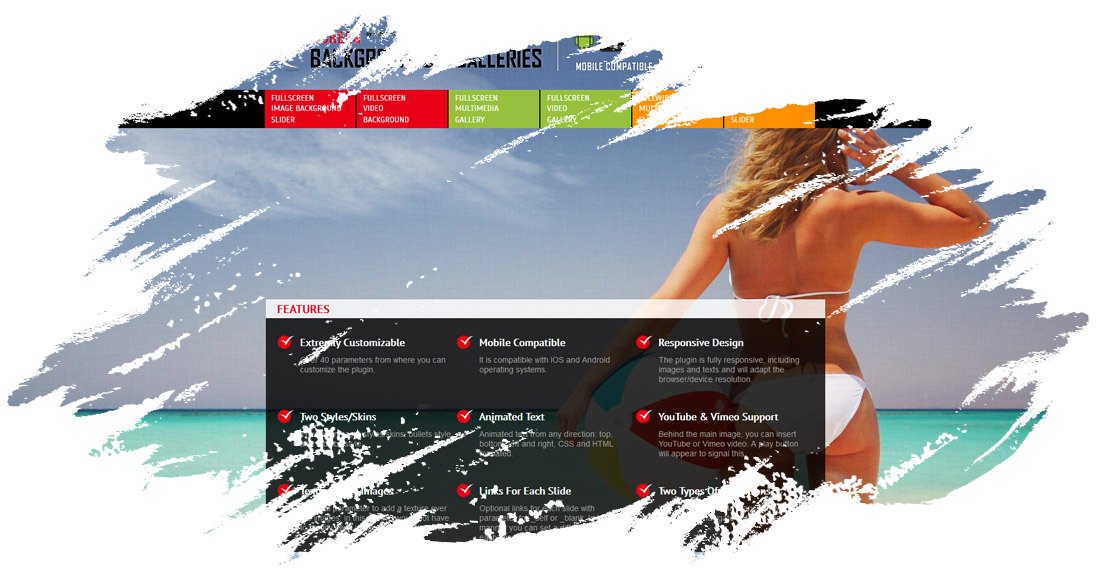
FullScreen Background Image & Video – WP Plugin can be used as Full Screen Multimedia Background, Full Screen Multimedia Gallery and Full Width Multimedia Slider with both Images and Videos

IF YOU NEED ONLY THE JQUERY PLUGIN FOR THIS PRODUCT, YOU CAN DOWNLOAD IT FROM HERE: http://codecanyon.net/item/fullscreen-background-gallery-image-and-video/5290450
VIDEO TUTORIALS
1. Installation
2. How To Create a Background with Images
3. How To Create a Video Background
4. How To Create a Full Width Slider
5. How To Add Text Lines Over The Main Image
6. NEW* * * How To Add Background For Only One Page
FEATURES for FULLSCREEN BACKGROUND IMAGE & VIDEO – WP PLUGIN:
— Extremly Customizable
Over 40 parameter from where you can customize the plugin.
— Responsive Design
The plugin is fully responsive, including images and texts and will adapt the browser/device resolution.
— Mobile Compatible
It is compatible with IOS and Android operating systems.
— Two Styles/Skins
The plugin has 2 styles/skins: bullets style and thumbs style.
— Animated Text
Animated text from any direction: top, bottom, left and right, CSS and HTML formated.
— YouTube & Vimeo Support
Behind the main image, you can insert YouTube or Vimeo video. A play button will appear to signal this.
— Texture Over Images
Optional parameter to add a texture over the images. In this manner you’ll not have to modify each image to add the texture.
— Links For Each Slide
Optional links for each slide with parameter for _self or _blank. In this manner you can set a different link for each image.
— Two types of transitions
You can select ‘Fade’ transition or ‘Slide’ transition to navigate between slides.
— Bottom Navigation Positioning
You can position the bottom navigation to left, right or center.
— Touch Screen Navigation
Parameter to enable touch screen navigation feature. It is recommended when the plugin is used as full screen gallery.
— Circle Timer
Parameters for color, dimensions & transparency. Available parameter to hide circle timer.
— Free Updates
Once you’ve bought the product, you can download for free, from your account, all the updated versions.
NOTE: For mobile devices, due to IOS and Android restrictions, the video background will not autoplay

If you need additional information don’t hesitate to contact us at [email protected]. We’ll try to answer you as quickly as possible.
Enjoy!
DOWNLOAD NOW
VIEW EXAMPLES
Date
September 15, 2016