
Bottom Playlist Video Player – WP Plugin
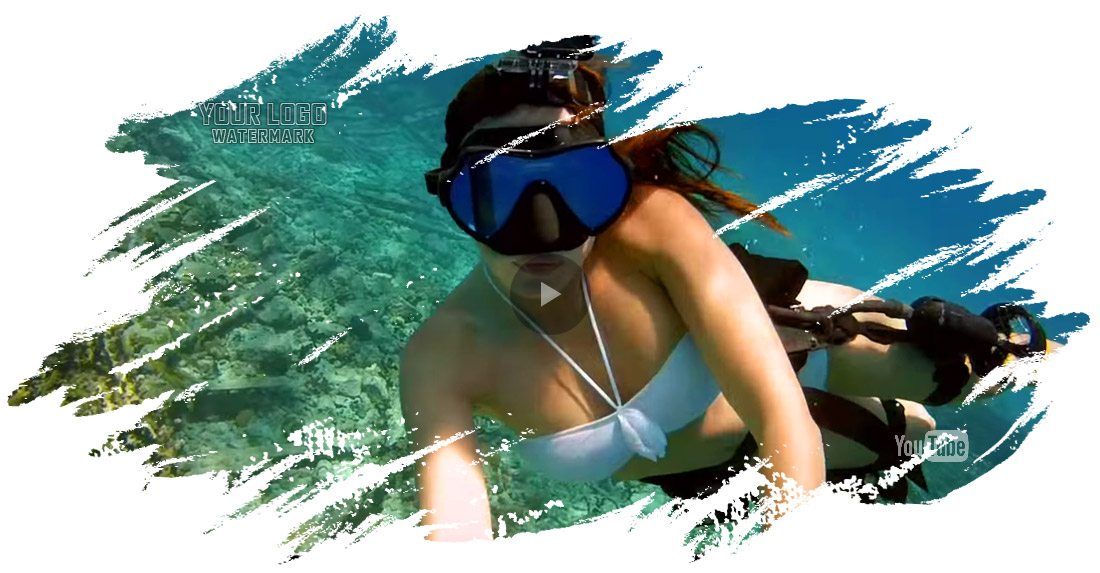
Revolution Video Player is a Bottom Playlist Video Player wich supports YouTube, Vimeo and Self-Hosted videos and is a top-notch responsive HTML5 plugin compatible with all major browsers and mobile devices.

VIDEO TUTORIALS
1. Installation
2. Create a new player and manage the player settings
3. Manage the playlist and categories
4. Insert The Shorcode in a page or post
IF YOU NEED ONLY THE JQUERY PLUGIN FOR BOTTOM PLAYLIST VIDEO PLAYER, CLICK HERE TO DOWNLOAD.
FEATURES for Bottom Playlist Video Player:
— YouTube, Vimeo and Self-Hosted support
It plays YouTube, Vimeo and Self-Hosted video files. For YouTube and Vimeo, all you need to use is the video ID
— Responsive Design
Bottom Playlist Video Player WP Plugin can be used in websites which are responsive. Optional parameter to disable responsive behavior in order to integrate it in non-responsive websites.
— Mobile Compatible
It is compatible with IOS and Android operating systems.
— Google Analytics
Option to activate Google Analytics tracking. You’ll be able to see how many times each video was played.
— Customizable Color Scheme
Any color scheme possible, customizable from parameters, so you can integrate this audio player in any design.
— Playlist With 3 Versions
You can show the playlist thumb, title & description or hide one of them. Also parameters for playlist size and color.
— Playlist Search
You have the option to search the playlist. The results will be displayed as you type the search term.
— Categories
The playlist items can be structured in categories. A video can belong to multiple categories.
— Two Skins
You can choose from the 2 skins available: back & white. Also, from parameters you can create any color scheme, having the possibility to integrate it in any design.
— Download Option
Available button to download the current playing file (only for self-hosted videos). You have the option to hide the download button.
— Share
You can share your video player on Facebook and Twitter. Parameters to customize the share title and description.
— Show/Hide Playlist
Button to show or hide the playlist. Also option to load the player with the playlist hidden.
— Shuffle
Option to shuffle the playlist.
— Logo/Watermark
You can define a logo in the top & left corner. Also, option to set the link and target_self or _blank.
— Multiple Parameters
Autoplay, loop (entire playlist), colors, dimensions etc. Over 90 parameters from where you can customize the player.
— Lightweight
The JS file has around 59KB
— Free Updates
Once you’ve bought the product, you can download for free, from your account, all the updated versions.

If you need additional information don’t hesitate to contact us at [email protected]. We’ll try to answer you as quickly as possible.
Enjoy!
DOWNLOAD NOW
VIEW EXAMPLES
Date
November 14, 2016