
HTML 5 Radio Players WP Plugins Bundle

HTML 5 Radio Players WP Bundle contains 3 types of WP Radio Players. Below you can find the detailed list:
01. Hero – Shoutcast and Icecast Radio Player With History – WordPress Plugin – $19 value
Its authors have provided over 30 js options from where you can customize your player, including: width, autoplay, colors and other parameters.
— VIDEO TUTORIALS
How to install and use the plugin
— MAIN FEATURES
- It supports Shoutcast and Icecast radio streaming. The radio stream should be MP3 type. It will also play AAC streams but only on browsers which support AAC
- Just add the radio stream and the player will get the current playing song and artist photo.
- Uses Last.FM API to display the photo of the current playing singer.
- It will automatically get the history for ShoutCast streams. For IceCast streams it will generate the history as the radio plays.
- Button to show or hide the history. Also option to start the player with the history hidden.
- You can share the radio player on Facebook and Twitter. Parameters to customize the share title and description.
— Some Examples Of HTML 5 Radio Players



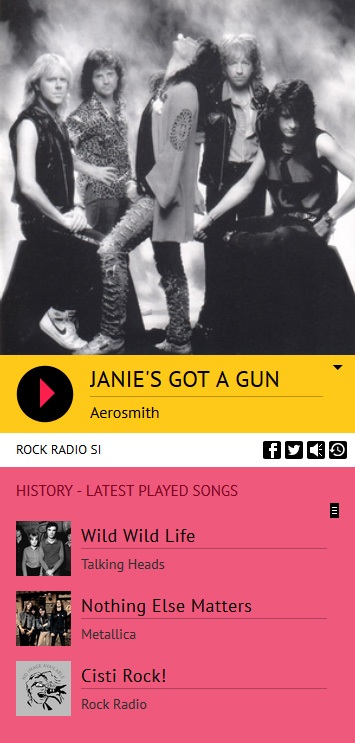

02. Radio Player Shoutcast & Icecast WordPress Plugin – $19 value
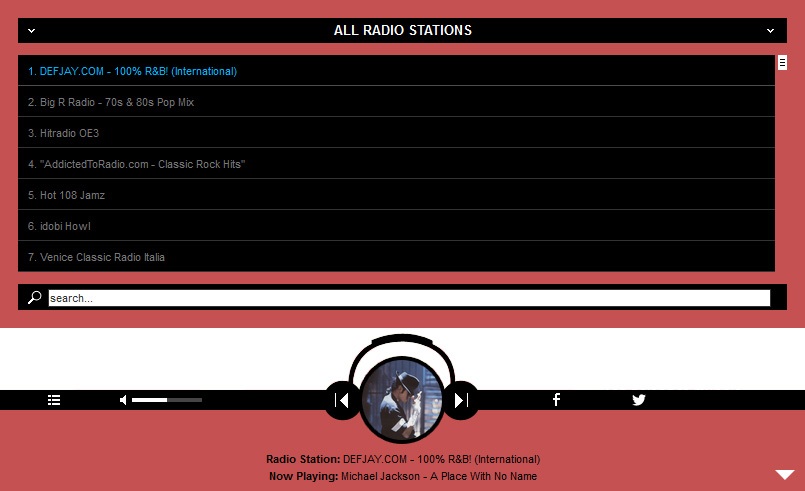
Radio Player Wp plugin, with playlist, categories and search, supports Shoutcast and Icecast radio streaming and has over 70 parameters for customizing.
— VIDEO TUTORIALS
1. Installation
2. Create a new player and manage the player settings
3. Manage the playlist and categories
— MAIN FEATURES
- It supports Shoutcast and Icecast radio streaming. Radio Stream should be MP3 type, no support for AAC/AAC+ stream.
- You can choose from the 2 available skins: back & white. Also, from parameters you can create any color scheme, having the possibility to integrate it in any design.
- The player uses Last.FM API to display the photo of the current playing singer.
- Button to show or hide the playlist. Also option to start the player with the playlist hidden.
- The playlist items are structured in categories. A radio file can belong to multiple categories. The categories are automatically generated from the radio stream data.
- You have the option to search the playlist. The results will be displayed as you type the search term.
- You can share the radio player on Facebook and Twitter. Parameters to customize the share title and description.
- If needed, you have the option to manually set the radio name and categories name
- You can insert multiple radio players on your website or on the same page.
— Some Examples Of Radio Player Shoutcast & Icecast WordPress Plugin
EXAMPLE 1

EXAMPLE 2
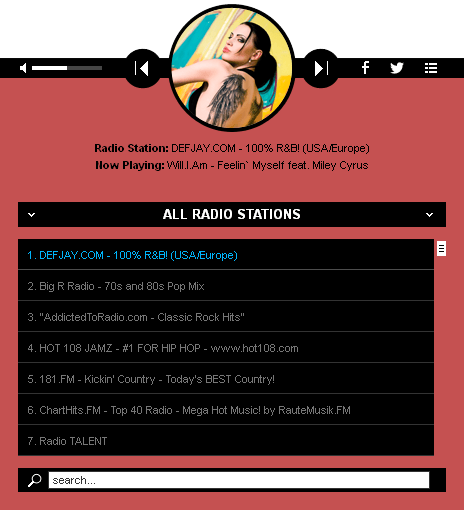
EXAMPLE 3
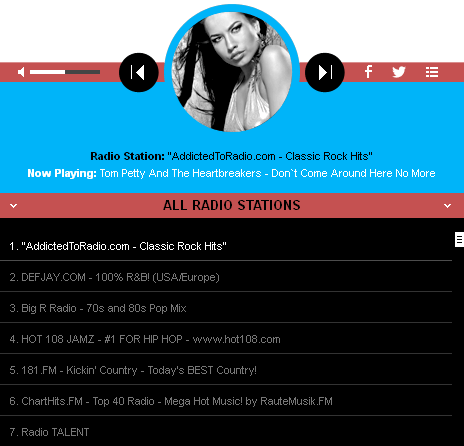
EXAMPLE 4
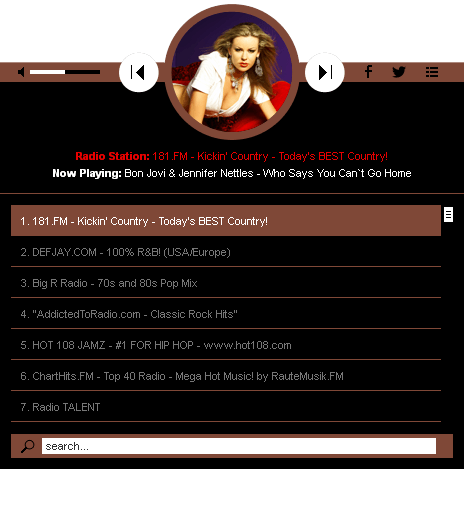
03. Sticky Radio Player WordPress Plugin – Full Width Shoutcast and Icecast HTML5 Player – $18 value
You have over 70 parameters from where you can customize this player – autoplay, initial volume, playlist, categories and color parameters.
— VIDEO TUTORIALS
1. Installation
2. Manage the Categories and Playlist
3. How to insert the player into your website
— MAIN FEATURES
- Just add the radio stream and the player will get radio name, radio categories, current playing song and artist photo.
- It supports Shoutcast and Icecast radio streaming. Radio Stream should be MP3 type, no support for AAC/AAC+ stream.
- The player uses Last.FM API to display the photo of the current playing singer.
- The playlist items are structured in categories. A radio file can belong to multiple categories. The categories are automatically generated from the radio stream data.
- You have the option to search the playlist. The results will be displayed as you type the search term.
- You can share the radio player on Facebook and Twitter. Parameters to customize the share title and description.
— Some Examples Of Sticky Radio Players
EXAMPLE 1

EXAMPLE 2
You can have this HTML 5 Radio Players WP Plugins Bundle now with 55% discount.

If you need additional information don’t hesitate to contact us at [email protected]. We’ll try to answer you as quickly as possible.
Enjoy!